Data Loss Prevention Through Automated File Sync and Access Controls: A Complete Guide for Enterprises
November 28, 2025.png)
Introduction
In today's digital landscape, organizations face mounting pressure to protect sensitive data while maintaining operational efficiency. With global data breach costs reaching $4.88 million in 2024 and 82% of breaches involving cloud-stored data, enterprises are turning to integrated solutions that combine automated file synchronization with robust access controls as a cornerstone of their data loss prevention strategies.
The convergence of file transfer technology and data loss prevention represents a critical evolution in enterprise security. As organizations manage increasingly complex data ecosystems, the need for seamless, secure file synchronization paired with granular access management has never been more urgent.
Understanding the Data Loss Prevention Landscape
The Growing Threat Landscape
Data loss remains one of the most significant risks facing modern enterprises. Recent statistics paint a sobering picture:
-
85% of organizations experienced data loss incidents in 2024
-
Cloud environments account for 85.6% of reported data loss incidents
-
93% of organizations that experience prolonged data loss lasting 10 days or more file for bankruptcy within one year
These figures underscore the existential nature of data loss threats. Beyond immediate financial impact, organizations face regulatory penalties, reputational damage, and operational disruptions that can prove fatal to business continuity.
The Evolution of Data Loss Prevention
The data loss prevention market has experienced exponential growth in response to these challenges. Cloud-based deployment models secured 67.3% of the DLP market share in 2024, projected to sustain a 22.1% growth rate through 2030. This shift reflects the reality that traditional perimeter-based security approaches are insufficient in an era of distributed workforces and cloud-first architectures.
Modern DLP strategies now focus on three core pillars: data identification and classification, policy enforcement, and incident response. However, the most effective implementations recognize that DLP cannot exist in isolation—it must integrate seamlessly with the tools employees use daily, including file synchronization and transfer systems.
The Critical Role of Automated File Synchronization
Why File Sync Matters for Data Protection
File synchronization has evolved from a convenience feature to a business-critical capability. In distributed work environments, teams need real-time access to current file versions while maintaining security and compliance. Automated file sync addresses several key challenges:
Version Control and Data Integrity: Manual file management introduces significant risks. When team members work with outdated versions or conflicting copies, data integrity suffers. Automated synchronization ensures all authorized users access the most current files, reducing errors and preventing data corruption.
Business Continuity: Organizations increasingly rely on synchronized file systems to maintain operations during disruptions. With proper synchronization infrastructure, teams can continue working even when primary systems are unavailable, accessing files from replicated locations.
Compliance Documentation: Many regulatory frameworks require organizations to maintain detailed records of data access and modifications. Automated sync systems provide the audit trails necessary to demonstrate compliance with standards like GDPR, HIPAA, and industry-specific regulations.
Key Components of Secure File Synchronization
Implementing automated file sync for data loss prevention requires careful attention to several technical elements:
Bidirectional Synchronization: Advanced sync systems support two-way synchronization, allowing changes made on any authorized device to propagate across the entire network. This eliminates version conflicts while maintaining a single source of truth for critical business files.
Block-Level Transfer: Rather than transferring entire files with each change, modern sync solutions employ block-level or delta sync technology. This approach transfers only modified portions of files, reducing bandwidth consumption and accelerating sync operations for large datasets.
Conflict Resolution: When multiple users modify the same file simultaneously, intelligent conflict resolution mechanisms prevent data loss. These systems can preserve both versions, alert administrators, or apply predetermined rules based on organizational policies.
Encryption in Transit and at Rest: Security must extend throughout the synchronization lifecycle. Files should be encrypted during transmission using protocols like TLS 1.2 or higher, and maintained in encrypted form when stored on any device or server.
Implementing Comprehensive Access Controls
The Foundation of Data Loss Prevention
Access controls serve as the first line of defense against unauthorized data access and exfiltration. Effective access control strategies incorporate multiple layers of protection:
Role-Based Access Control (RBAC): Rather than assigning permissions individually, RBAC groups users based on their organizational roles. When implemented correctly, RBAC significantly reduces administrative overhead while ensuring users have appropriate access levels. For file transfer systems, this means defining clear roles such as administrators, contributors, reviewers, and read-only users.
Attribute-Based Access Control (ABAC): For more nuanced access decisions, ABAC extends beyond roles to consider multiple attributes—user characteristics, resource properties, environmental conditions, and contextual factors. This granular approach enables policies like restricting file access based on user location, time of day, or device security posture.
Least Privilege Principle: Users should have only the minimum access necessary to perform their duties. This principle limits the potential damage from compromised accounts or insider threats. Regular access reviews help ensure permissions remain appropriate as organizational structures evolve.
Advanced Access Control Features
Modern file transfer systems incorporate sophisticated access control mechanisms:
Multi-Factor Authentication (MFA): Single passwords no longer provide adequate security. MFA requires users to present multiple forms of verification before accessing sensitive files. This dramatically reduces the risk of account compromise, even when credentials are stolen.
Time-Based Access Controls: Temporary or scheduled access grants enable precise control over file availability. External partners might receive limited-duration access to specific project folders, with permissions automatically expiring after project completion.
IP Whitelisting and Geofencing: Organizations can restrict file access based on network location or geographic region. This proves particularly valuable for protecting sensitive data from access attempts originating in unexpected locations.
File-Level Permissions: Granular controls at the individual file or folder level allow organizations to implement nuanced security policies. Different files within the same folder might have distinct access requirements based on sensitivity classification.
Integrating File Sync with Access Controls for DLP
Creating a Unified Security Framework
The true power of data loss prevention emerges when automated file synchronization and access controls work in concert. This integration creates multiple protection layers:
Policy-Driven Synchronization: File sync operations should respect access control policies. When a user lacks permission to access certain files, those files simply don't sync to their devices. This prevents unauthorized data exposure while maintaining user productivity.
Real-Time Access Enforcement: As permissions change, synchronization systems should immediately reflect those updates. When an employee leaves the organization or changes roles, their file access should be revoked instantly across all synchronized devices.
Audit Trail Integration: Every sync operation, access attempt, and permission change should be logged comprehensively. These logs provide the visibility necessary for security monitoring, compliance reporting, and incident investigation.
Technical Implementation Best Practices
Organizations implementing integrated file sync and access control systems should follow these proven practices:
Centralized Identity Management: Integrate file transfer systems with existing identity providers such as Active Directory, Azure AD, or other LDAP-compatible directories. This ensures consistent access control across all enterprise systems and simplifies user provisioning and deprovisioning.
Zero Trust Architecture: Adopt a zero trust approach that continuously validates every access request rather than assuming trust based on network location. File sync systems should authenticate and authorize each operation, regardless of whether it originates inside or outside the corporate network.
Data Classification and Labeling: Implement automated systems to classify files based on sensitivity. Classification labels can trigger specific sync behaviors and access restrictions, ensuring appropriate protection for different data categories.
Monitoring and Alerting: Deploy continuous monitoring to detect anomalous sync patterns or access attempts. Alert systems should notify security teams when unusual activities occur, such as mass file downloads or access from unexpected locations.
Industry-Specific Considerations
Healthcare Sector
Healthcare organizations face unique challenges in balancing data accessibility with patient privacy. Healthcare continues to experience widespread data loss, with 720 incidents of healthcare data breaches recorded in 2024, compromising 186 million user records.
File sync systems in healthcare environments must:
-
Enforce HIPAA-compliant encryption standards
-
Maintain comprehensive audit logs for compliance documentation
-
Support granular sharing controls for patient information
-
Enable secure collaboration with external care providers
Financial Services
The financial sector handles highly sensitive data subject to strict regulatory oversight. File transfer solutions must support:
-
Multi-layered authentication for high-value transactions
-
Real-time monitoring of suspicious file access patterns
-
Integration with existing fraud detection systems
-
Compliance with PCI DSS, SOX, and regional banking regulations
Manufacturing and Intellectual Property Protection
Manufacturing organizations protecting trade secrets and intellectual property require:
-
Strict access controls preventing unauthorized design file access
-
Watermarking and tracking for sensitive technical documents
-
Secure collaboration with supply chain partners
-
Protection against industrial espionage attempts
Conclusion
Data loss prevention through automated file synchronization and access controls represents a mature, proven approach to protecting enterprise information assets. As organizations navigate increasingly complex threat environments and regulatory landscapes, integrated solutions that combine seamless file access with robust security controls become indispensable.
Success requires more than simply deploying technology. Organizations must develop comprehensive strategies that encompass policy development, user training, continuous monitoring, and regular assessment. By treating file sync and access controls as complementary elements of a holistic DLP program, enterprises can protect sensitive data while empowering teams to collaborate effectively.
The statistics are clear: data loss poses existential risks to organizations of all sizes. However, with properly implemented automated file synchronization systems paired with comprehensive access controls, enterprises can significantly reduce their exposure while maintaining the operational agility necessary for competitive success.
For organizations evaluating their data protection posture, the question is not whether to invest in integrated file sync and access control solutions, but how quickly they can implement these critical safeguards before experiencing a costly data loss incident.
About Raysync: Raysync provides enterprise-grade file transfer solutions that integrate automated synchronization with advanced access controls, helping organizations worldwide protect their critical data assets while enabling secure, efficient collaboration across distributed teams.
You might also like
Industry news
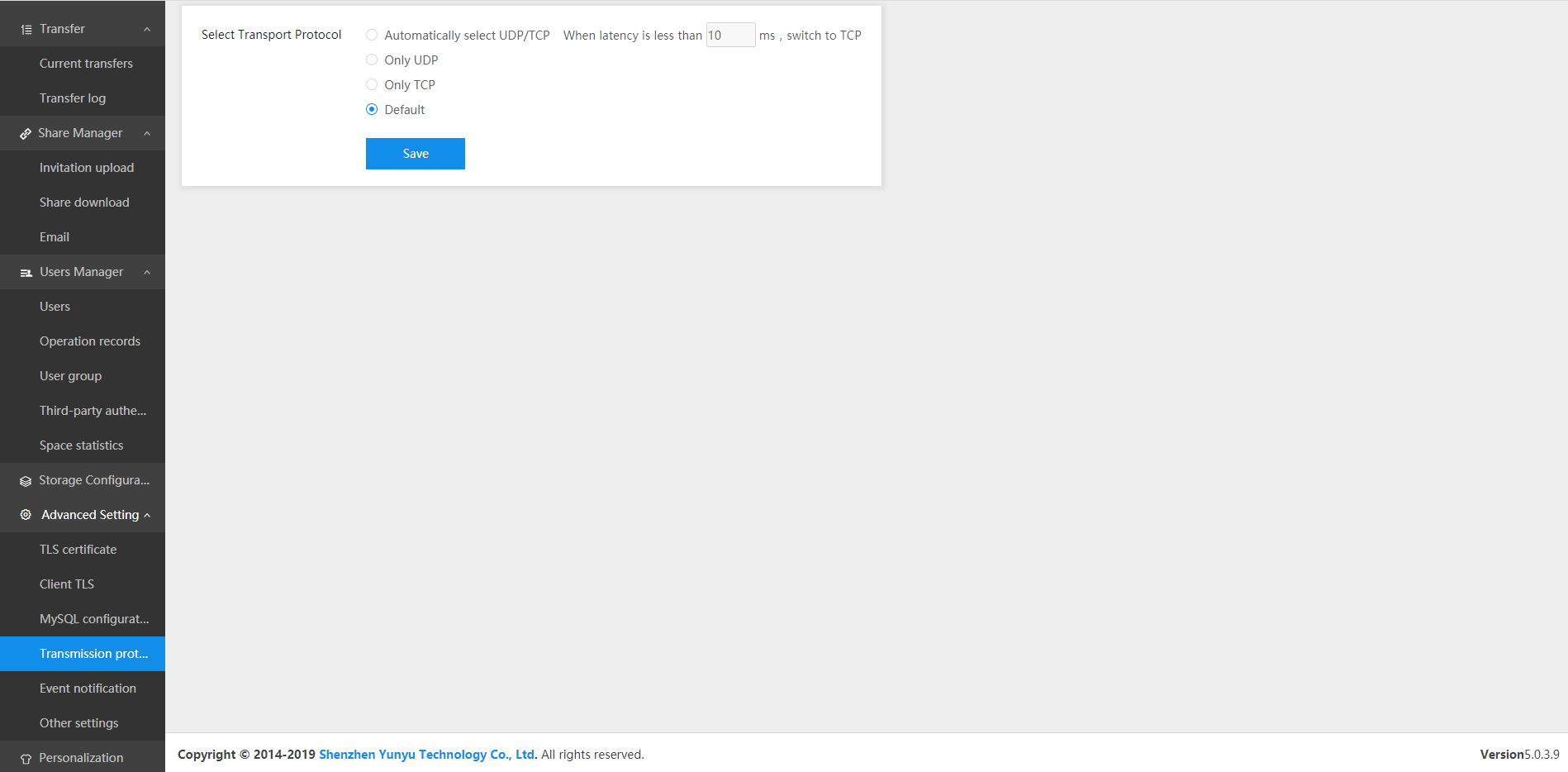
February 2, 2023In the process of file transfer, TCP and UDP are transport layer protocols, and their communication mechanisms are different from the application scenarios. The version V5.0.3.8 of Raysync supports the setting of transfer protocol in 4.
![Speed up File Transfer with Fastest Rsync [99% Bandwidth Utilization]](http://images.ctfassets.net/iz0mtfla8bmk/1hbkD8lAmWdWRhT2fKrisx/2c539c55e866df4d33bad00aaeb73dc6/fastest-rsync.png)
Industry news
February 20, 2025Unlock the fastest Rsync commands and options in 2025 to maximize speed and efficiency with up to 99% bandwidth utilization.
![Top 7 Bulk Files Transfer Tools Recommended [Free&Paid]](http://images.ctfassets.net/iz0mtfla8bmk/2YkKpFFaQPk5Khl6GJdrJ7/ab4e88a26cd9a78269f61e2e7dfb8996/bulk-files-transfer.png)
Industry news
September 4, 2024Discover the top 7 bulk file transfer solutions for 2025, including online and paid options. Learn how to send large files online easily and securely.