Why Isn't Your Gigabit Dedicated Line Running at Full Speed? The Reason Is Simpler Than You Think
January 16, 2026
Spending hundreds of thousands annually on a gigabit dedicated line, only to experience file transfers crawling along like a “narrow pipe”—this is likely the biggest headache for many enterprise IT managers.
The Truth: It’s Not About Slow Internet, It’s About the Wrong “Transfer Method.”
Imagine this gigabit dedicated line:
- What you pay for it: Hundreds of thousands per year
- What you expect: 125 MB/s transfer speeds
- What you actually get: Only 30-40 MB/s
Where did nearly 70% of your bandwidth go?
The problem isn’t the network—it’s the “transport vehicle” you’re using. Traditional tools like FTP and cloud drives are like driving a tractor on a multi-lane highway—no matter how wide the road is, the vehicle is too slow.
Three Major Flaws of Traditional Transfer Methods
1. The “Slam-On-The-Brakes” Logic
Upon detecting network fluctuations, traditional protocols drastically reduce speed and only slowly recover. It’s like slamming on the brakes just because there’s something 500 meters ahead.
2. The “Queue-at-the-Gate” Congestion Problem
During cross-border transfers, files have to “queue up” for acknowledgment. Higher latency means longer queues. Transfers from Shanghai to the US are often limited to under 3 Mbps per file.
3. The “Multiple-Small-Packages” Overhead
Transferring 100 small files requires establishing 100 separate connections—a massive waste of time on repeated “handshakes.”
The Solution: Changing Your “Transport Vehicle” Makes All the Difference
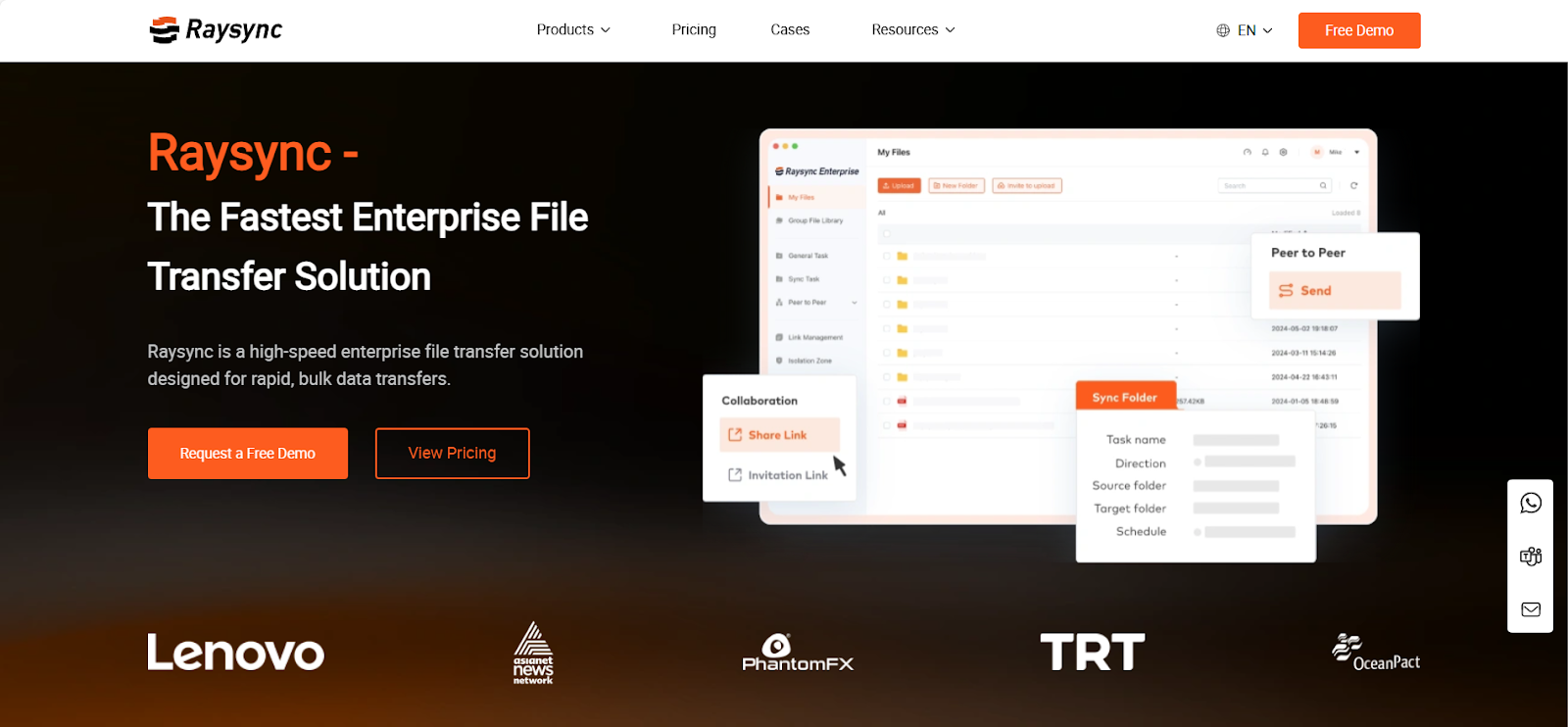
Raysync takes a completely different approach:
-
Intelligent Speed Adjustment, No Hard Braking Monitors network conditions in real time, making only minor speed adjustments for slight fluctuations—greatly improving stability.
-
Multi-Lane Parallel Transfer, No More Queuing Splits large files into multiple blocks for simultaneous transfer, fully utilizing every available “lane.”
-
Batch Packaging, Reducing Redundancy Automatically merges small files for batch transfer, minimizing connection setups.
Real Case Study: From 8 Hours to 40 Minutes
A leading automotive R&D center needed to transfer 300 GB of design drawings daily to its headquarters in Germany:
- Before: Using traditional methods, transfers took 8–10 hours daily
- After: With Raysync, completed in 40 minutes
- Bandwidth utilization increased from 8% to 74%
Three Steps to Determine If Your Business Needs an Upgrade
-
Do you frequently need to transfer large files? (e.g., design drawings, video footage)
-
Do you have multinational teams requiring real-time collaboration?
-
Does your dedicated line cost feel mismatched with the actual experience?
If you answered “yes” to any of the above, your company might be paying for bandwidth it can’t fully use.
A gigabit dedicated line shouldn’t be just an expensive decoration. The technology is already mature—it’s time to ensure every dollar of your network investment delivers its intended value.
Apply on our official website for a 7-day full-feature trial and make your dedicated line truly dedicated.
You might also like

Industry news
May 29, 2024Dive into the world of UDP file transfer in 2025, uncovering its intricacies, speed, and applicability. Explore the protocol, its comparisons with TCP, and discover top-notch solutions for seamless file transfer over UDP.

Industry news
June 28, 2020With the continuous development and expansion of global business, OPPO is urgent to solve the transnational data transfer problems in WAN.
![How to Set Up File Server Backup [For Individual/Business]](http://images.ctfassets.net/iz0mtfla8bmk/4lblhpnllTm23ej2imMkqE/a70125d3f70f112766312bb31ad484e9/file-server-backup.png)
Industry news
October 11, 2024Learn how to set up file server backups for individuals and businesses with top solutions like Google Drive, OneDrive, Raysync Cloud, and Resilio Sync.